Shorten production time and improve product quality
Digital technology is triggering a revolution in the printing business!!
When offset printing plants look for ways to improve quality, reduce costs, and increase productivity, the ink room is often overlooked. This is undoubtedly a significant misconception, because once offset printing ink is substandard, all standardization efforts in the printing workshop will be in vain. With the right tools, ink color matching can become an indispensable part of an end-to-end color workflow that shortens cycle times and increases profits.
Today, we will introduce an ideal digital workflow to help offset printing ink rooms streamline ink preparation steps, reduce waste, and enhance sustainability and cost-effectiveness!
Digital Offset Ink Room Technology
Ensuring ink color matching as accurately as possible is crucial for meeting customers' color quality and consistency requirements. Ink that falls outside the tolerance range increases prepress preparation waste, defect rates, and rework, and correcting ink errors is difficult and expensive. Implementing a digital workflow in the ink room helps reduce the possibility of errors and simplifies the prepress process.
Advantages of a Digital Offset Ink Workflow
Implementing a digital workflow in the offset ink room offers numerous benefits such as saving time and money while improving overall color quality, including:
Ø Automated ink formulation (including archiving)
Ø Reduced ink samples
Ø Full utilization of leftover ink and reduced inventory
Ø Quick retrieval of saved formulas
Ø Printing machine operators can improve print quality without deep ink expertise
Ø Increased repeatability between batches and jobs
Ø Reduced printing machine downtime
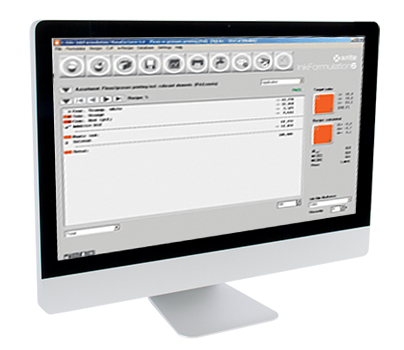
Color matching software provides a solid foundation for a successful digital ink workflow. X-Rite InkFormulation software supports creating, saving, approving, and retrieving formulas for offset, flexographic, gravure, and screen printing inks. It can even generate new formulas using leftover ink, enhancing process sustainability.
12 Steps to Formulating Offset Ink
1. Incoming Ink Inspection
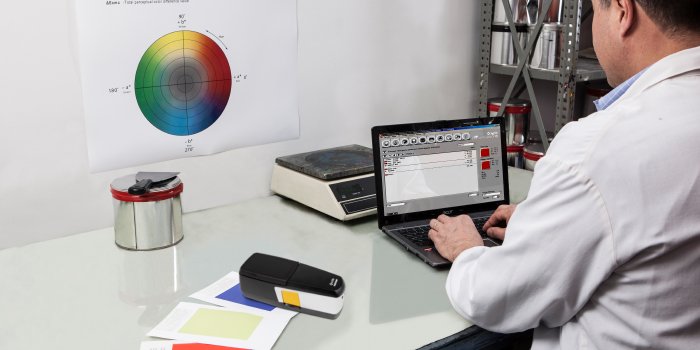
CMYK four-color inks and spot color base inks may have inconsistencies. To ensure that purchased ink remains consistent and qualified, an ink sample strip can be made, and after drying, measured using a spectrophotometer.
2. Agreed Specifications
Printing jobs generally include color specifications. These specifications are usually Pantone references, and everyone must treat them as reference targets and measurement conditions. It is recommended to use digital specifications for ink formulation because they do not fade or deteriorate, and the digital files contain data on ink type, printing process, and substrate.
3. Define Target Colors
There are three methods to define target colors: measuring physical samples with a spectrophotometer; importing digital color files (CxF) from customers or the InkFormulation software library; or selecting colors from a digital color library. These measurements and digital files will include spectral information of the target color, which will be used to calculate L*a*b* values.
4. Measure Printing Substrates
Substrate color is an important consideration when formulating offset inks because it will show through during the process and affect the final color. By measuring it with a spectrophotometer, it can be taken into account in offset ink formulation calculations.
5. Define Ink Film Thickness or Anilox Roll
Formulations should generally be defined for the offset ink proofing machine and verified on the proofing machine, before using software to accurately adjust it to the specific printing ink film thickness.
6. Generate Formulation
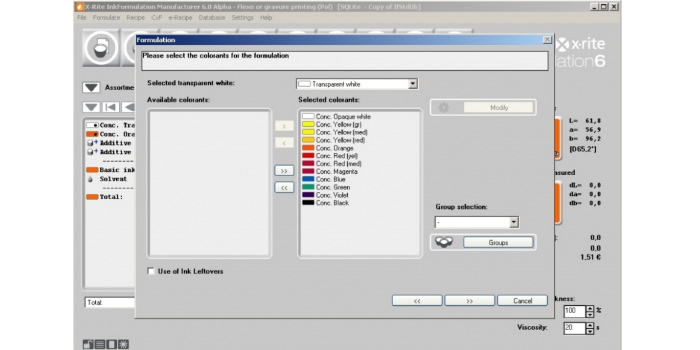
The InkFormulation software will calculate recommended formulations that can achieve results within the specified tolerances and list them according to Delta E, number of components, spectral deviation, and other indicators. Once a formulation is selected, it will appear in the InkFormulation software user interface.

7. Making a Proof Sample
Mix offset printing inks according to the selected formula in a certain proportion, then create a proof sample. When using a digital workflow based on spectral values, most clients still need to use physical proofs because digital standards specify strict tolerances and specifications.
This helps significantly shorten the cycle time. Once the offset printing ink is prepared, continue to check its color accuracy by comparing it to the target. Additionally, ensure that the proofing machine is set up as close as possible to the target printing press type.
8. Measurement of Drawdowns
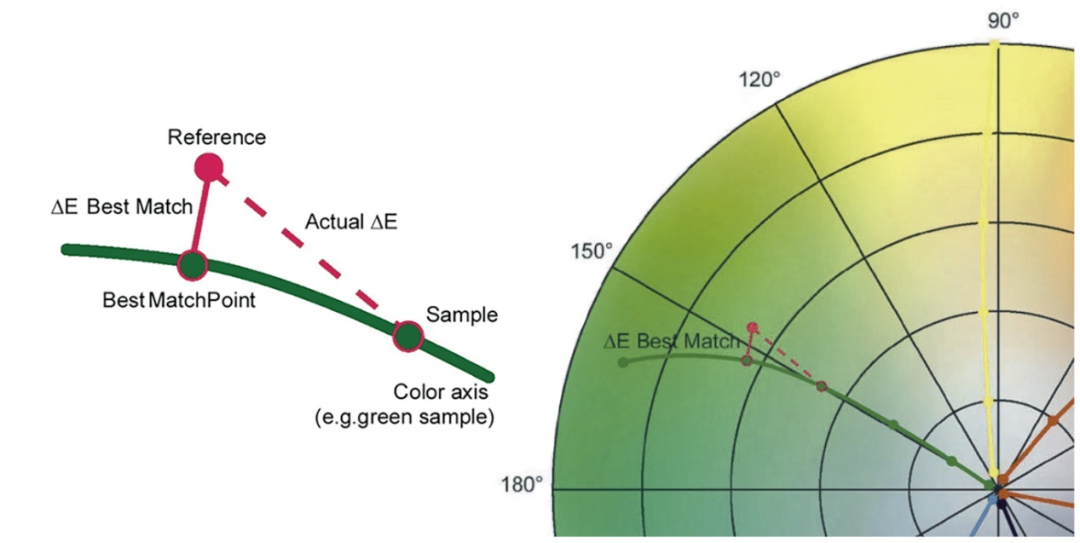
Use a spectrophotometer to measure the drawdown at three points and calculate the average spectral measurement value. InkFormulation will compare the drawdown measurement values with the target color and then calculate the Delta E. If the formulation does not meet the specification requirements, the InkFormulation software can make formulation adjustments. Reprepare the ink and, if necessary, make a new drawdown.
In practice, fewer drawdowns are required in a digital workflow, which can significantly speed up ink preparation.
9. Save the Formulation
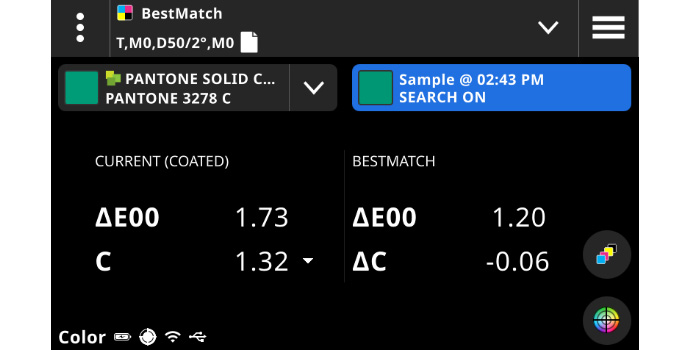
Once the formulation meets tolerance requirements, save the formulation so that accurate ink color and weight can always be prepared in the future. Depending on the target substrate, the same color may require multiple formulations. Performing spectral measurements during prepress preparation and printing helps ensure color consistency and meet customer requirements.
10. Evaluate Results
Quality control software can quickly compare the formulation with the digital color references in the software and perform pass/fail analyses. This data helps integrate color specifications and reporting information into the supply chain workflow, enabling efficient monitoring of printing production and real-time correction of inks to avoid color errors.
11. Solving Printing Process Issues
When the color measurement values in flexographic or gravure printing processes do not meet the tolerances and quality control software reports that the existing formulations cannot meet the tolerances, the relevant data for correcting the ink formulation can be sent to the InkFormulation software with a simple button operation. The ink room can make appropriate adjustments and quickly use the new formulation, achieving fast and efficient correction.
12. Forming a Closed Loop
The InkFormulation software can be integrated with an enhanced Management Information System (MIS), forming a closed loop across all stages of the production workflow (including everything from quoting to invoicing), thereby simplifying the estimation of ink consumption in operations and enabling the reuse of existing ink formulations.
End-to-End Digital Offset Printing Solution
To maximize the color accuracy in the workflow, all ink and print shop solutions must be integrated. X-Rite solutions provide a seamless, automated, and closed-loop production solution for offset printing.
InkFormulation Software
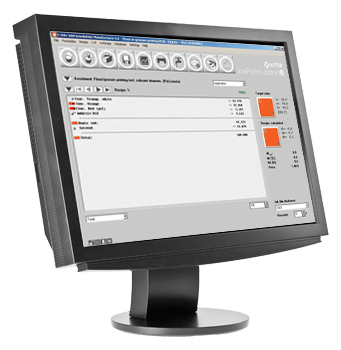
InkFormulation ensures efficiency by always grouping jobs and supports information exchange with MIS/ERP systems. In addition, all ink formulations required for a given job can be associated with that job, providing significant value to packaging providers and ink workstations. InkFormulation software is compatible with the eXact 2 spectrophotometer and PantoneLIVE, supporting the use of entirely new digital color specifications.
eXact 2 Spectrophotometer
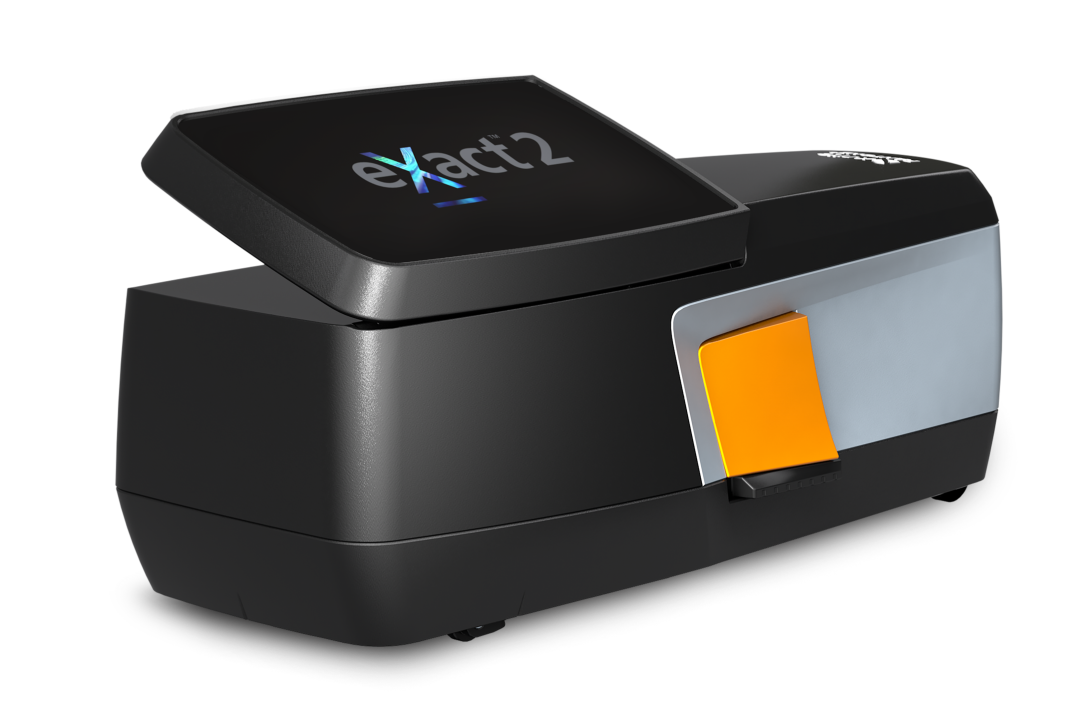
The brand-new eXact 2 is equipped with features specific to ink laboratories, featuring a screen 30% larger than the first generation, double the resolution, and an updated tiltable interface. It also comes with a high-resolution camera that can detect printing defects caused by ink and magnify smaller printed images for precise inspection of small areas.
For ink formulation, the eXact 2 also allows for non-contact measurement to minimize ink adhesion and contamination as much as possible. Additionally, it comes with a switchable polarizing filter, enabling ink formulation and verification across a wide range of substrates.
PantoneLIVE
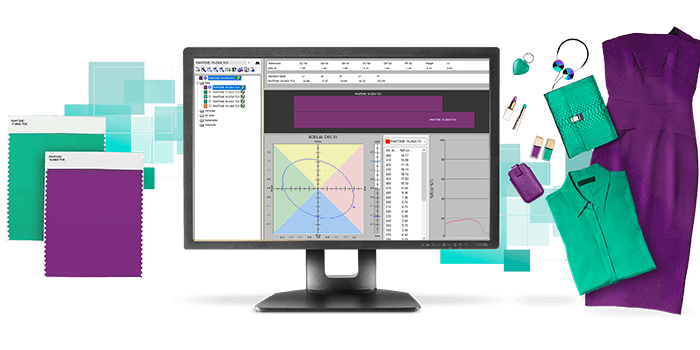
eXact 2 comes with 4 Pantone primary color libraries and can directly access PantoneLIVE for printing and packaging. With this preloaded feature, colorists can access thousands of new color standards, allowing accurate color formulation on various substrates.
NetProfiler
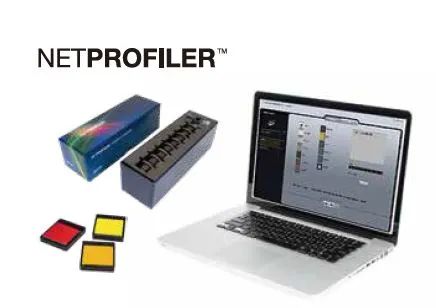
X-Rite's unique NetProfiler can verify and optimize eXact 2 performance, correct issues caused by aging, wear, or environmental conditions, and identify the instrument's maintenance needs to prevent them from affecting color measurement results. The NetProfiler software can also unify color acceptance standards and quality around the world, ensuring consistent color at all times.
X-Rite Link Instrument Group Management
X-Rite Link is another proprietary tool from X-Rite. It is a cloud-based dashboard that provides real-time data on instrument group locations and health information. In addition to viewing the location and assigned operators of each device, it also allows centralized distribution of firmware updates, color libraries, color jobs, and more for eXact 2 devices from anywhere in the world. Additionally, X-Rite Link ensures that the NetProfiler certification status of all devices is maintained and can be operated at any time.