


Expansion of flexographic printing points? Blocked plates? Have you noticed these details!
In flexographic printing, dot enlargement and blockage are the two most common core issues affecting print quality. This not only causes loss of image layers but also affects print clarity and consistency, leading to a significant decline in print quality. So, what are the key factors causing the expansion of flexographic dots and plate blockage? In this article, the author analyzes feasible solutions from multiple perspectives, including prepress plate optimization and ink formulation adjustments, and printing pressure control, for reference by industry peers.
Flexographic dot size expanded
Dot enlargement is a common phenomenon in flexographic printing. Dot expansion usually occurs because when ink transfers from the plate drum to the substrate, the ink diffuses after absorption, causing the dots to further enlarge, which affects label detail and color saturation.
In flexographic printing, dot expansion is very common. For example, a dot point originally set at 50% may expand to 51% on the printing plate, and the dot point on the final printed product may even expand to 65% or even more. This phenomenon of dot expansion mainly stems from the characteristics of ink used in flexographic printing and the compressibility of the printing plate. It is worth noting that the specific degree of dot expansion varies depending on the type of printing press and the type of substrate.
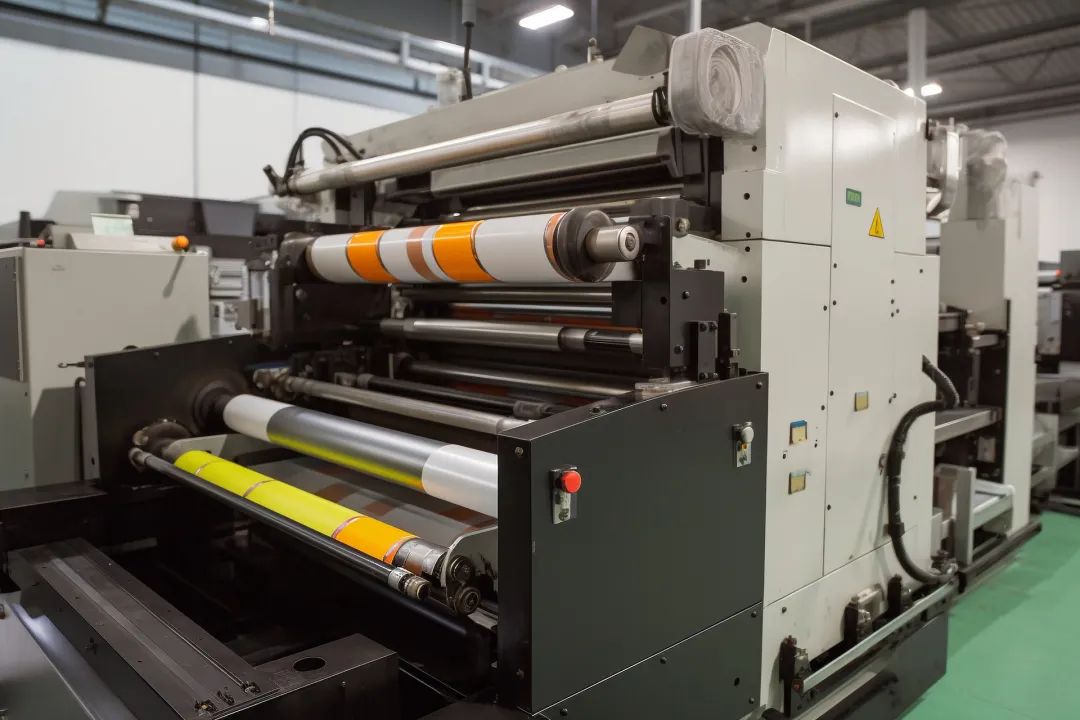
01Printing Pressure
In flexographic printing, ink transfers under light pressure. During this process, the soft flexographic plate slightly deforms and compresses when the image transfers under pressure, which is the key reason for dot gain. If the printing pressure is too high, the plate deforms more, and dot gain becomes more severe.
02
Plate Hardness
The hardness of the plate affects the extent of dot gain. Harder plates deform less than softer ones, resulting in less dot gain. To minimize dot gain, it's recommended to first choose a thin layer with higher hardness than the substrate (thickness 0.05–0.13mm). Additionally, using compressible tape or cushioning pads that absorb printing pressure to secure the plate can also help control dot gain.
03
Ink Viscosity
Ink viscosity significantly impacts dot gain. As we know, high-viscosity inks spread more slowly and don't flow easily before drying. When using lower-viscosity ink in flexographic printing, the ink often spreads or flows on the substrate before it dries, causing dot gain. Therefore, keeping the ink viscosity within a reasonable range is a key factor to prevent dot gain.
04
Substrate
The surface characteristics of the substrate directly affect how printed dots appear. Smooth, non-absorbent films and coated paper usually hold the ink well and have minimal spreading, accurately preserving the original dot shape. On the other hand, more absorbent and uneven substrates, like uncoated paper or corrugated cardboard liners, have fibers that act like wicks, drawing the ink along the fibers beyond the intended dot and pattern boundaries, leading to greater dot gain.
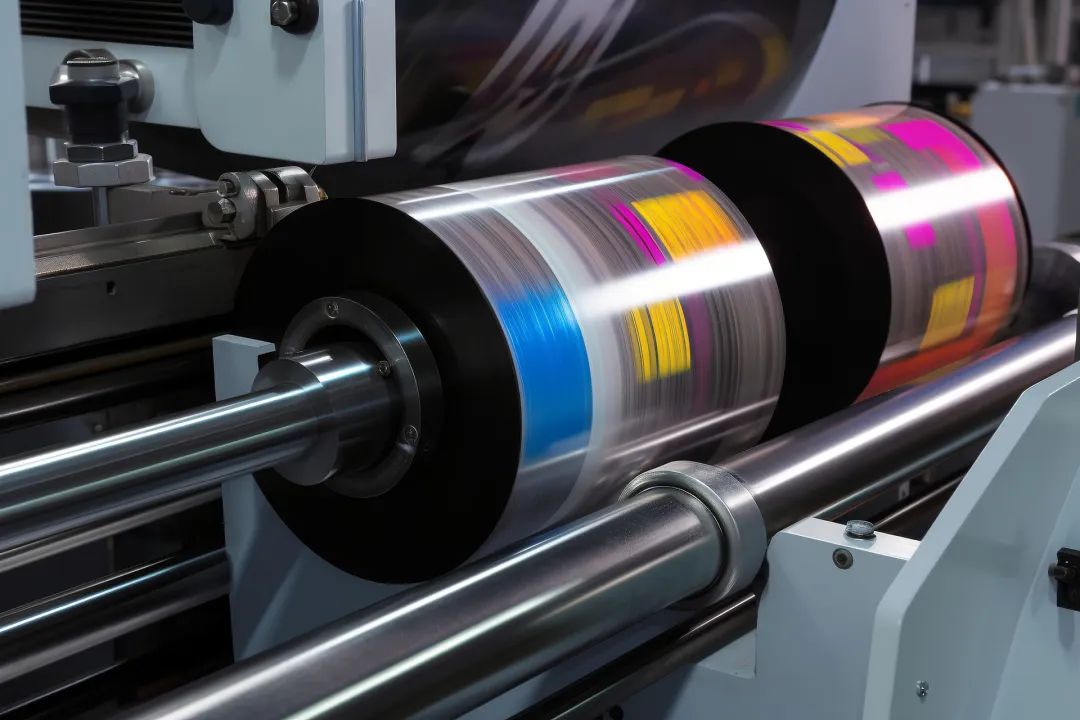
Although dot gain occasionally occurs in flexographic printing, its pattern is usually consistent and predictable. To address this issue, current prepress technology offers the following solutions:
(1) Professional software correction: Image processing and color separation software can adjust dot sizes according to the input characteristics of the press.
(2) Standardized testing: Printing companies often conduct plate tests to provide accurate dot gain parameters for color separators or designers.
(3) Closed-loop calibration: Dot settings on color separation films are optimized based on the actual print results of standard test charts.
(4) RIP: Using dedicated devices like RIPs (Raster Image Processors) and their calibration functions can control dot variations more precisely.
Flexo Plate Clogging
In flexographic printing, ensuring that prints accurately reproduce the original material is a core requirement. However, a common issue affecting print quality is ink buildup at the edges of dots, known as flexo plate clogging. This phenomenon affects image clarity and sharpness, lowering overall print quality.
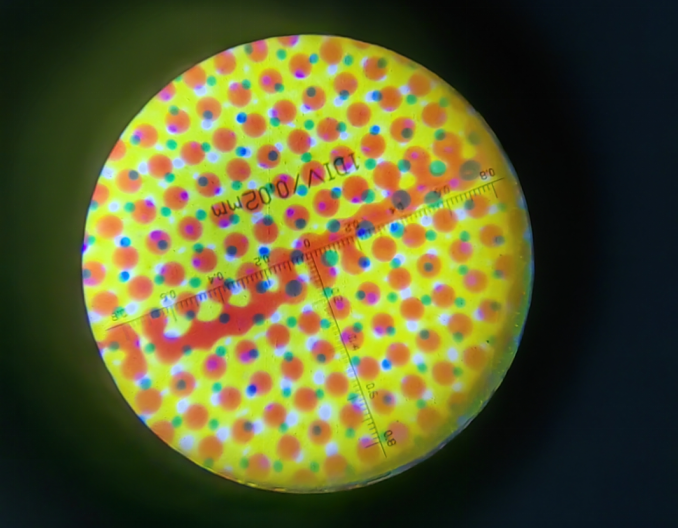
Flexo plate clogging occurs when, for various reasons, the ink is not fully transferred to the substrate during the flexo printing process. This causes ink to accumulate increasingly on the tops and shoulders of the dots. Once accumulation reaches a certain level, a small dot may print much larger due to excess ink transfer, or several mid-tone dots may merge irregularly, making the print surface look dirty and reducing image quality.
This problem commonly occurs in lighter tonal areas, with highlights being the most noticeable. Because highlights have lighter tones, excessive ink becomes very apparent, which is why highlights are particularly difficult to handle in flexographic printing.
01Mesh Roller and Plate Line Count Mismatch
Flexographic printing is different from other printing methods mainly because of the mesh roller. Matching the mesh roller line count with the plate line count is key to ensuring print quality. When the highlights on the printing plate come into contact with the cells of the mesh roller, the plate dots are smaller than the cell openings. So, during printing, the plate dots fall into the cells. When the plate dots separate from the cells, not only their tops but also their sides pick up ink. When transferred onto the substrate, this causes the highlights to print as large solid areas, creating what's called the 'mottle effect.'
This usually happens in high line count printing. The main way to fix it is to make sure the cells on the mesh roller are always smaller than the smallest dots on the plate.
02
Excess Ink from the Mesh Roller
The mesh roller is the metering roller for ink transfer, and the type of mesh roller determines how much ink is applied. If the roller transfers too much ink, the plate ends up with excess ink. If not managed properly, this can gather around the dots and cause plate clogging.
The fix is simple but effective. Using a mesh roller that transfers smaller amounts of ink can greatly reduce the problem, ensuring just the right amount of ink reaches the plate and ultimately the substrate.
03
Too Much Printing Pressure
If the ink application pressure is too high, the dots on the plate get deformed, picking up too much ink and causing it to spread outward. Even a slightly high pressure increases the chance of plate clogging. Adjusting the pressure to the proper level can prevent over-squeezing the ink, reduce buildup, and ensure high-quality printing.
04
High Ink Viscosity
Ink viscosity is crucial for flexographic printing quality. High viscosity affects ink transfer and can cause ink to pile up around the dots. Lowering the ink to a more suitable viscosity can significantly reduce the risk of ink buildup and plate clogging.